
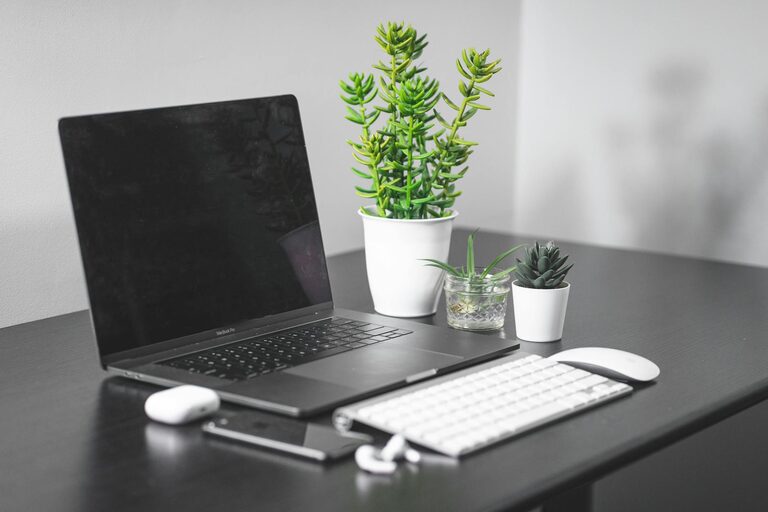
Creating a productive home office space is essential for anyone who works remotely or spends significant time working from home. A well-designed workspace can improve focus, increase efficiency, and make your workday more enjoyable. Whether you have a dedicated room or just a small corner, organizing and personalizing your home office to fit your needs is key. This guide will walk you through practical tips for setting up a productive home office space that works for you.
Choose the Right Location
The first step in creating a productive home office is selecting the right spot. Ideally, this space should be quiet, have good natural light, and be free from distractions.
– Quiet environment: Pick a room or corner where noise is minimal. If you have family around, try to find a place away from high-traffic areas.
– Natural lighting: Position your desk near a window if possible. Natural light improves mood and energy.
– Limited distractions: Avoid areas where you watch TV or where people frequently pass by.
If your home doesn’t have an extra room, consider creating a defined workspace using screens or shelves to establish boundaries.
Invest in an Ergonomic Chair and Desk
Comfort is crucial when setting up a home office since you will spend long hours sitting. An ergonomic desk and chair help maintain good posture and reduce the risk of strain or injury.
– Ergonomic chair: Look for adjustable features such as seat height, back support, and armrests.
– Desk height: Your desk should fit your height and allow you to keep your wrists straight when typing.
– Standing desks: Consider a sit-stand desk to alternate between sitting and standing during the day.
Proper ergonomics contribute not only to your physical health but also to better concentration.
Organize and Declutter Your Space
A clutter-free workspace helps clear your mind and improves productivity. Keep only essential items on your desk and create storage solutions for everything else.
– Desktop essentials: Keep your computer, keyboard, notebook, and a pen holder within reach.
– Storage: Use shelves, drawers, or filing cabinets for papers, books, and supplies.
– Cable management: Use clips or ties to keep cords tidy and prevent tangling.
– Daily cleanup: Spend a few minutes at the end of each day tidying your workspace.
A neat environment can reduce stress and minimize distractions.
Optimize Lighting for Comfort and Focus
Besides natural light, you need good artificial lighting to prevent eye strain, especially during early mornings or evenings.
– Task lighting: Use an adjustable desk lamp to direct light where it’s needed.
– Avoid glare: Position screens and lamps to avoid reflections on your monitor.
– Ambient lighting: Soft overhead lights can complement task lighting without causing harsh contrasts.
Proper lighting supports your visual comfort and helps maintain energy levels.
Personalize Your Workspace
Adding personal touches to your home office can make the space more inviting and motivating.
– Decor: Choose artwork, plants, or photos that inspire you.
– Color scheme: Select calming colors like blues and greens, or energizing hues like yellows, depending on your preference.
– Inspiration board: Use a corkboard or whiteboard to pin reminders, goals, or ideas.
Personalization helps create an environment where you feel comfortable and motivated to work.
Use Technology to Your Advantage
Technology tools can improve your workflow and communication in your home office.
– Reliable internet: Ensure you have a strong and stable connection.
– Quality equipment: Invest in a good monitor, keyboard, mouse, and headset.
– Productivity apps: Use apps for task management, note-taking, and video conferencing.
– Backup system: Regularly save important files to cloud storage or an external hard drive.
Having the right tools helps you stay efficient and connected.
Establish Daily Routines and Boundaries
A productive workspace is only one part of successful remote work. Building routines and setting boundaries supports work-life balance.
– Set work hours: Define your start and end times and stick to them.
– Breaks: Schedule short breaks to stretch or walk around.
– Communication: Inform family or roommates about your work schedule to reduce interruptions.
Clear boundaries make it easier to focus during work hours and relax afterward.
Maintain Good Air Quality and Comfort
Physical comfort affects your ability to concentrate during the day.
– Ventilation: Open windows or use an air purifier to keep air fresh.
– Temperature control: Use a fan or heater as needed to maintain a comfortable temperature.
– Plants: Indoor plants can improve air quality and create a calming atmosphere.
Taking care of your environment supports both health and productivity.
Conclusion
Designing a productive home office space takes attention to comfort, organization, lighting, and personalization. By choosing the right location, investing in ergonomic furniture, and maintaining a tidy, well-lit workspace, you set yourself up for success. Combine this with clear routines and quality technology, and your home office will become a place where you can focus, create, and thrive. Start with small changes and adjust your setup as you discover what works best for you!